DeepSeek open-sources a prototype coding agent that takes requests from GitHub and team chat
DeepSeek has published Super-agent, an MIT-licensed prototype that picks up coding requests from GitHub and Feishu and replies with pull requests. What it does, why it is a research project, and how teams should approach it.
- Author
 Umair Mateen
- Published
- Reading time
- 5 min
- Category
- Engineering
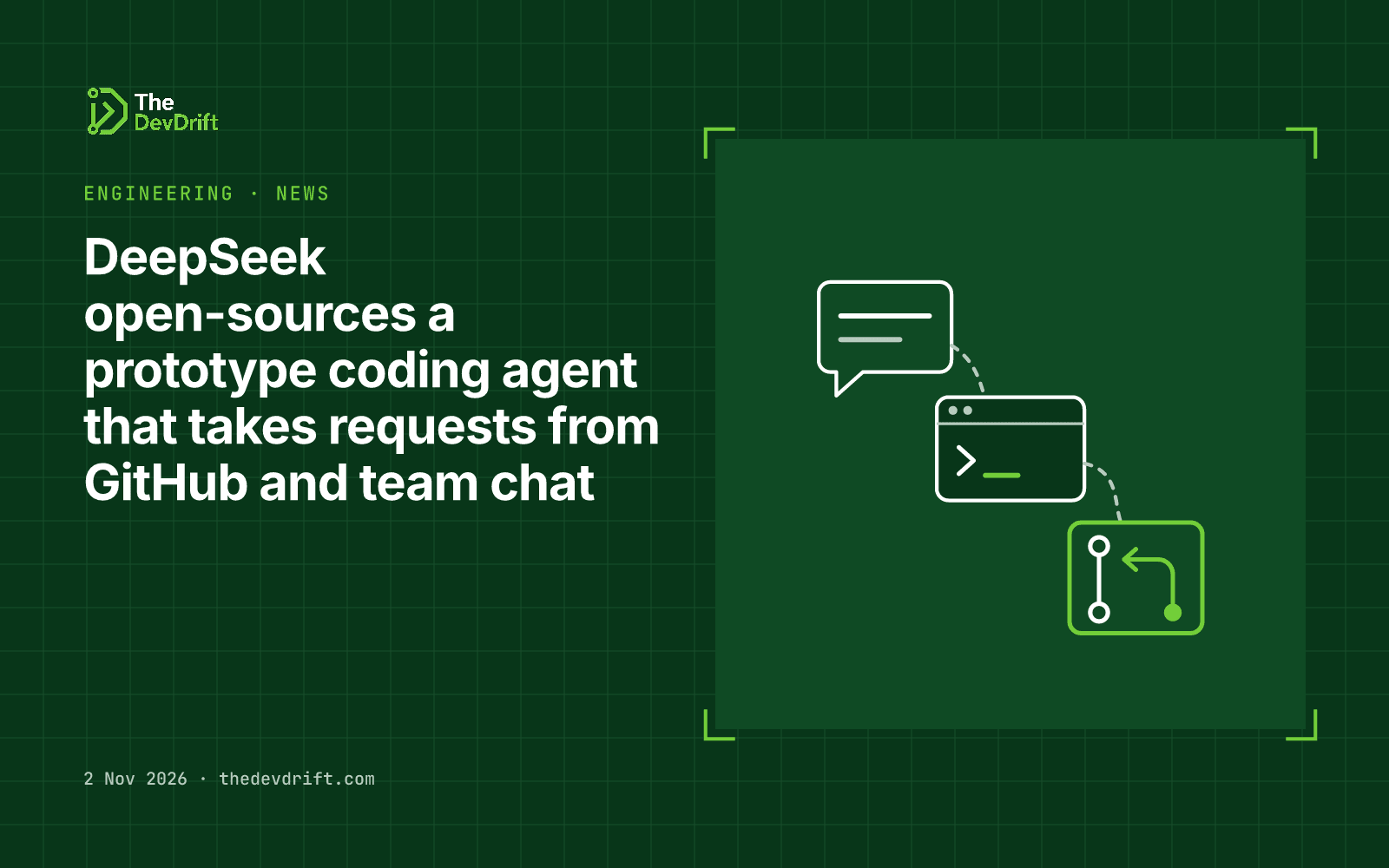
DeepSeek has published the code for a prototype "Super-agent", which it described in a WeChat post on Saturday 31 October 2026. It is a coding agent that picks up work requests from GitHub and team chat and answers with pull requests. The repository, dsh-superagent, is public under the MIT licence, which allows commercial use and modification. DeepSeek is clear that it is an experiment, not a product, and that framing matters more than the headline for most teams.
What it actually does
According to the project README, Super-agent is a "proactive" coding agent tied to one GitHub repository. It is packaged as an add-on for DeepSeek Harness, the company's separately published coding-agent framework.
In practice, the flow described in the README looks like this:
- It listens in two places. GitHub, and optionally Feishu, the workplace chat app made by ByteDance (Lark outside China).
- Only approved people can assign work. When an allowed person asks for something, the agent opens a work item for it.
- Each job runs on its own. The agent carries out the task in its own session and working directory, so jobs don't step on each other.
- It replies where you asked. The result goes back into the original conversation, for example as a pull request (a proposed code change a human can review and merge).
- A web panel lists what needs a person. Items that need a human decision are collected in one place rather than scattered across threads.
The design goal, as the README puts it, is to use as little human attention as possible while delivering as much value as possible. The agent is meant to act only when someone asks or when a rule the team has written allows it, and to speak up only when someone needs to act or can use a result.
Setup is itself done by an AI assistant: the README tells you to point your existing coding agent at a setup file and let it walk you through the configuration one question at a time.
Who should care
This is worth a look if you lead a development team and have been wondering what "an agent that works the issue queue" looks like in practice. Most commercial coding assistants still wait for a developer to open them. Super-agent shows a different pattern: requests arrive in the places a team already talks, and the agent answers in those same places, typically with a pull request a human can review before it is merged.
For business owners who don't run engineering teams, the takeaway is simpler. Agents that watch team channels and act on requests are moving from vendor demos into open code anyone can study. Expect your developers, or your suppliers, to start asking about them.
The Next Web, citing Bloomberg, reported that the agent can watch developer group chats for coding problems and suggest fixes without being asked. DeepSeek's own documentation frames that behaviour as limited to what a team's rules permit, so read the docs before assuming either version.
Limits and caveats
- It is a research prototype. The README calls it a "Research prototype for reference only, not an official DeepSeek product." It also warns the code may contain bugs and inconsistent practices, and should be reviewed and adapted before use.
- It is not what DeepSeek runs internally. The public version differs from the company's internal one, and some ideas from DeepSeek's design write-up are future directions that are not built yet.
- The integrations are narrow. Out of the box it covers one GitHub repository and Feishu. Teams on Slack or Microsoft Teams would need to build their own connector; the docs include a guide for adding a new source.
- It needs real access to work. An agent that opens pull requests needs credentials for your code and runs commands on whatever machine hosts it. Granting that access is a security decision, not just a technical one.
- Data location. You host the prototype yourself, but it still calls an AI model to do the work. Check which model it is set up to use, where that model runs and where your code is sent before connecting it to anything sensitive, particularly if you have EU data rules or client contracts to respect.
What to do this week
- Treat it as a reference design. If you are planning an internal coding agent, have a senior developer read the README and the authorisation and deployment docs. They show one team's answers to the hard questions: who can assign work, when the agent may act on its own, and where humans step in.
- Don't connect it to production repositories. If you want to try it, use a throwaway or low-risk repository, a dedicated machine or user account with only the credentials the agent needs, and no access to customer data.
- Write your own rules first. Whatever agent you end up using, decide in writing who may request work, which repositories it can touch, and that a human reviews every change before merge.
- Watch for shadow use. MIT-licensed code is easy to install. Remind developers that agents with repository access go through the same approval as any other tool.
The DevDrift helps teams put AI agents into their workflows with approval steps and audit trails built in from the start.