Microsoft opens up its Copilot 'harness' for building your own agents in Foundry
Microsoft announced on 28 October that the orchestration layer behind GitHub Copilot and Copilot Studio is now available in public preview in Foundry Agent Service, free to run until 1 December.
- Author
 Umair Mateen
- Published
- Reading time
- 4 min
- Category
- AI
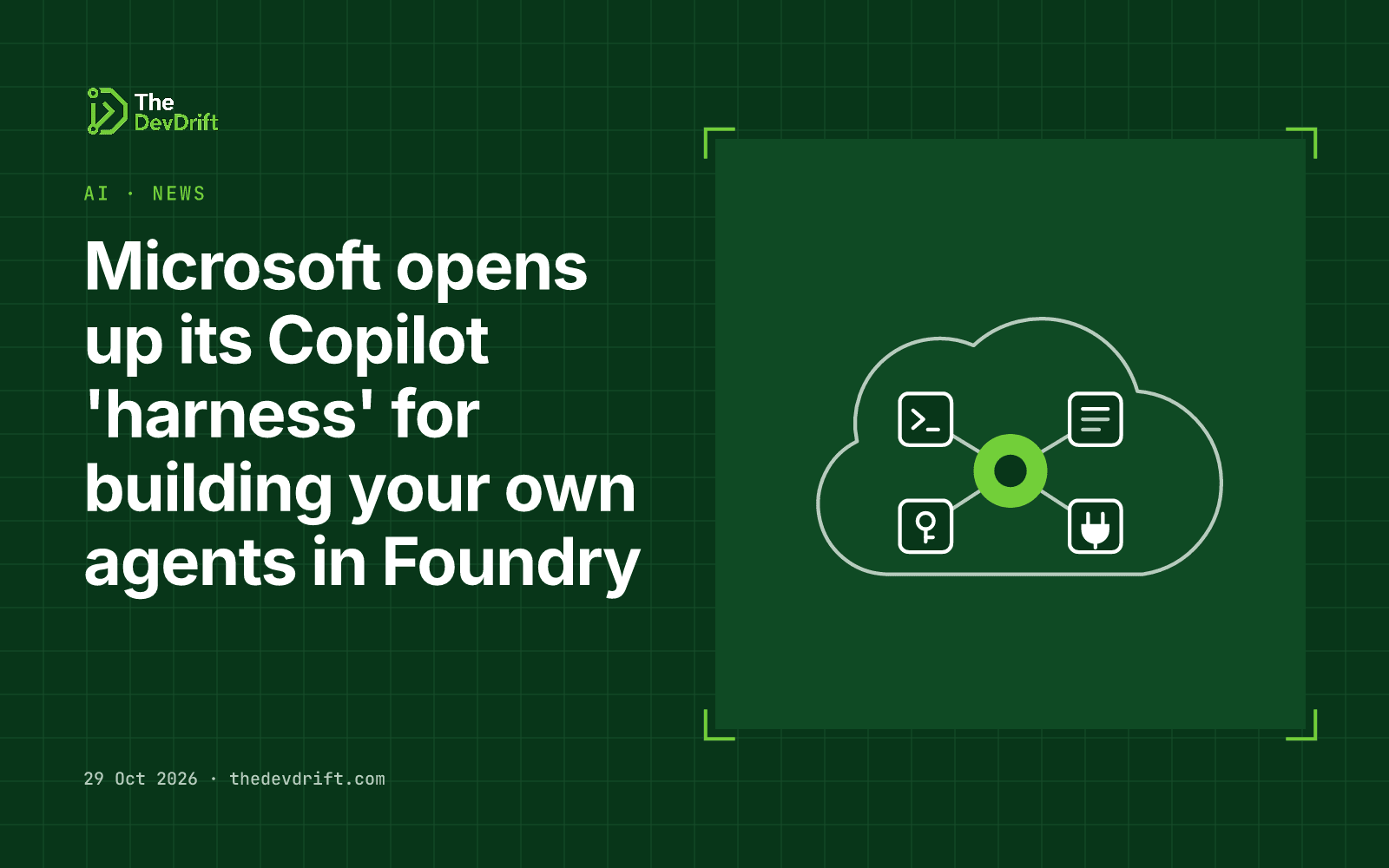
On 28 October 2026 Microsoft introduced the Microsoft Copilot harness as something customers can build on. It is the same layer that already runs inside Copilot Studio, the GitHub Copilot app, Copilot CLI and VS Code, and it is now in public preview in Foundry Agent Service, Microsoft's Azure service for building and hosting AI agents.
What a "harness" is
An AI model on its own only produces text. A harness is the software around it that turns it into an agent: it supplies instructions and context, gives the model a place to run code and edit files, calls tools, and enforces limits. When people say one coding assistant feels better than another using the same model, the harness is often the reason.
Microsoft says GitHub's engineers built this harness and that Microsoft has adopted it across the company. It supports more than 20 frontier models plus bring-your-own API keys, and open standards including the Model Context Protocol (MCP), a common way for AI agents to connect to outside tools and data. Microsoft describes it as having "governance and optimization built in from day one."
What you get in Foundry
In Foundry, Microsoft runs the agent loop and the sandbox. You provide the instructions, skills, tools and model choice. The Foundry post lists four building blocks:
- Skills: reusable procedures packaged as instructions, scripts and resources.
- Connected tools: Foundry and MCP tools, with authentication and approvals configured explicitly.
- Execution and delegation: file and code work, plus built-in sub-agents for bounded tasks.
- Source-controlled definitions: agent definitions can live next to your application code.
You switch it on by selecting the Copilot harness when creating an agent, in the Foundry portal, the Azure Developer CLI, Foundry Toolkit for VS Code, or the GitHub Copilot app with the Foundry plugin.
Microsoft also made long-running resilience for hosted agents generally available. If a hosted agent is interrupted, Foundry restarts the work with its original input. Microsoft is clear that your own code still has to save progress and avoid repeating actions on restart.
Pricing
- Harness runtime is free until 1 December 2026.
- From 1 December, it is billed by use: $0.0994 per vCPU-hour for sandbox compute and $0.0118 per GiB-hour for memory. Prices can vary by region and agreement.
- Model usage and other tools or services are billed separately at their normal rates throughout.
Who should care
- Teams already on Azure who want agents that do more than answer questions, such as working through files, running code or coordinating several tools.
- Teams that don't want to build their own agent loop. The harness is a managed alternative to wiring this up yourself.
- Anyone wary of single-vendor lock-in on models. Multi-model support and bring-your-own keys make it easier to switch models later.
Limits and caveats
- It is a public preview, so expect changes and check support terms before production use.
- You cannot switch an existing agent to the harness, or change harness after an agent is created. Existing agents are unchanged.
- Foundry controls the sandbox's CPU, memory and idle settings.
- Supported regions and models are listed in separate documentation, not in the announcement. Check your region before planning.
What to do this week
- Use the free window. If you are on Azure, build one small internal agent before 1 December to learn what the runtime costs look like.
- Start with approvals on. Configure tool approvals for anything that writes data or sends messages.
- Design for restarts. If you use hosted agents, make each step safe to repeat so a restart can't, for example, send the same email twice.
- Check regions and models in Microsoft's documentation before committing a project to it.
The DevDrift helps teams put AI automation into their workflows with approvals and audit trails.