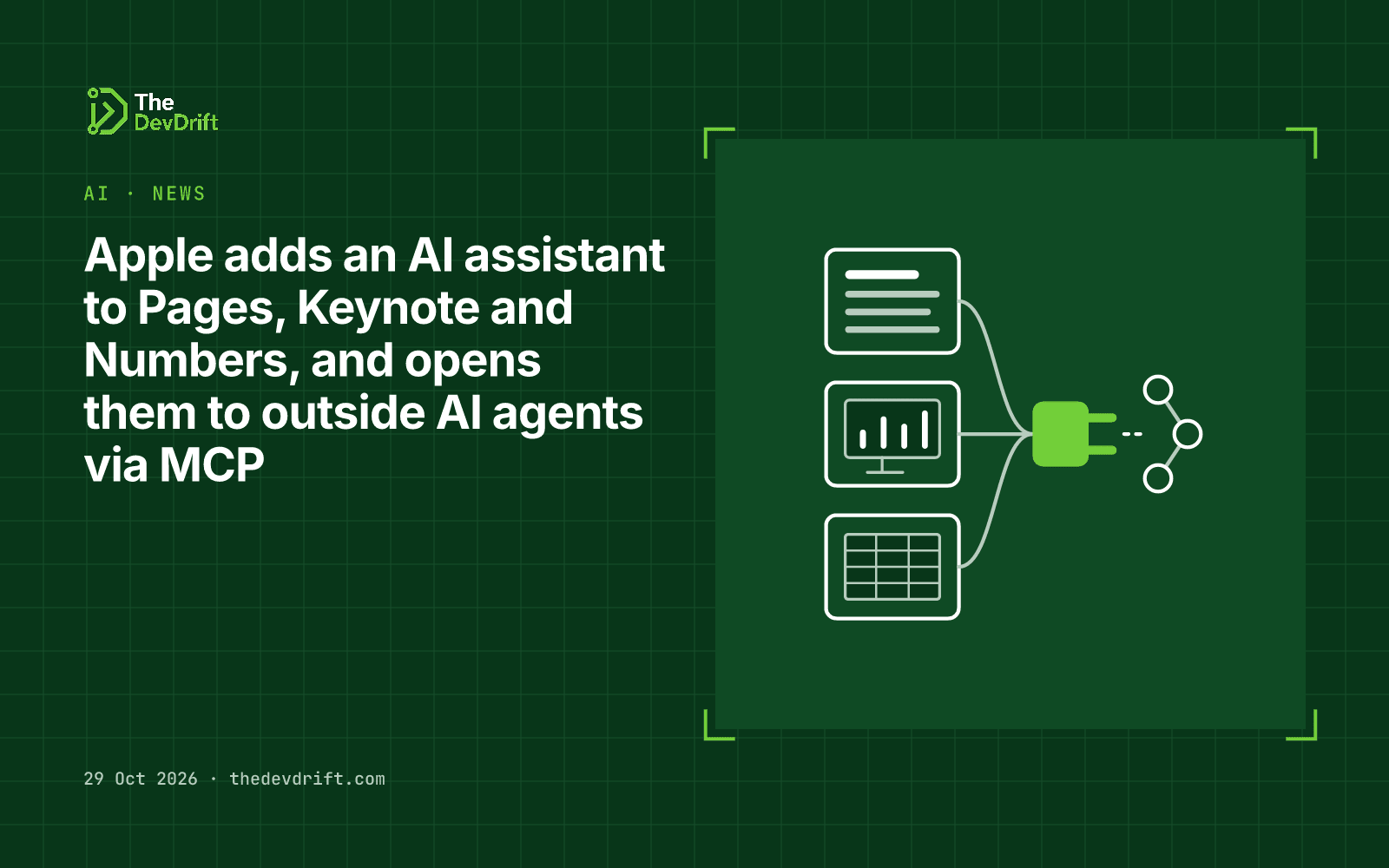
Apple adds an AI assistant to Pages, Keynote and Numbers, and opens them to outside AI agents via MCP
Apple announced on 27 October that Pages, Keynote and Numbers get an AI assistant built on Apple models and OpenAI, and support for MCP so outside AI agents can read and edit documents. Rolling out in November.
- Author
 Umair Mateen
- Published
- Reading time
- 4 min
- Category
- AI
On 27 October 2026 Apple announced an update to Apple Creator Studio, its subscription bundle of creative and productivity apps. The parts most relevant to business users: an AI assistant inside Pages, Keynote and Numbers, and support for the Model Context Protocol (MCP), which lets outside AI agents work inside those apps. The updates reach the App Store in November.
The assistant in Pages, Keynote and Numbers
Apple says the assistant is built on Apple models and OpenAI, and that it "understands document context" so users don't have to leave their work. What it does in each app:
- Pages: drafts, restructures and fine-tunes text.
- Keynote: helps design, animate and refine slides.
- Numbers: calculates, visualises and organises data, suggests chart types with a one-tap preview, and builds tables using general knowledge.
The assistant is in beta and, for now, US English only.
MCP: letting other agents into your documents
The bigger shift for teams is MCP support. MCP is an open standard that lets AI agents connect to apps and data in a consistent way. Apple says it lets external AI agents and tools read content, make edits and run automated actions in Keynote, Pages and Numbers. It needs macOS 27 or later. Apple does not name which agents or tools it has tested with.
In practice, this means an AI agent your team already uses could, for example, update a Numbers sheet or draft a Keynote deck directly, rather than producing text you then copy across. It also means those apps become one more place where you need to decide what an agent is allowed to change.
Other AI features in the bundle
The same update adds an AI assistant to Logic Pro on Mac, text-based image editing (Generate Fill) in Pixelmator Pro, image generation in Final Cut Pro, and noise reduction for Voice Memos recordings. Keynote also gains a JSON-based file format, .keyx, which should make decks easier for software to generate and read.
Requirements and pricing
- The Pages, Keynote and Numbers assistant needs an Apple Intelligence-capable device on iOS 27, iPadOS 27 or macOS 27 or later.
- Keynote, Pages, Numbers and Freeform stay free. In the US, Apple Creator Studio costs $12.99 a month or $129 a year for new subscribers, with a one-month free trial. Existing subscribers get the update at no extra cost.
- Apple's announcement does not say whether the assistant needs a Creator Studio subscription in each app, so check the App Store listing when the update lands.
Who should care
- Mac-based teams that live in Pages, Keynote and Numbers and have been copying text in and out of chat tools.
- Teams building or buying AI agents. MCP support in mainstream office apps is another sign MCP is becoming a standard way to connect agents to everyday software.
- IT and security leads, who will want a view on which agents may edit company documents.
Limits and caveats
- Beta, US English only, and limited to newer devices and OS versions.
- Apple's release gives few details on data handling for the assistant, beyond noting on-device sound analysis in Logic Pro.
- Pricing and availability are stated for the US only.
What to do this week
- Check your fleet. Count how many staff devices can run Apple Intelligence and are on track for the 27 releases.
- Write a short rule for agent access to documents before MCP arrives: which agents may read, which may edit, and which documents are off-limits.
- Review your OpenAI data terms. Since the assistant uses OpenAI models, ask whether that fits your policies for sensitive documents once Apple publishes details.
- Pilot with non-sensitive files when the November update lands, and compare it with the tools your team uses now.