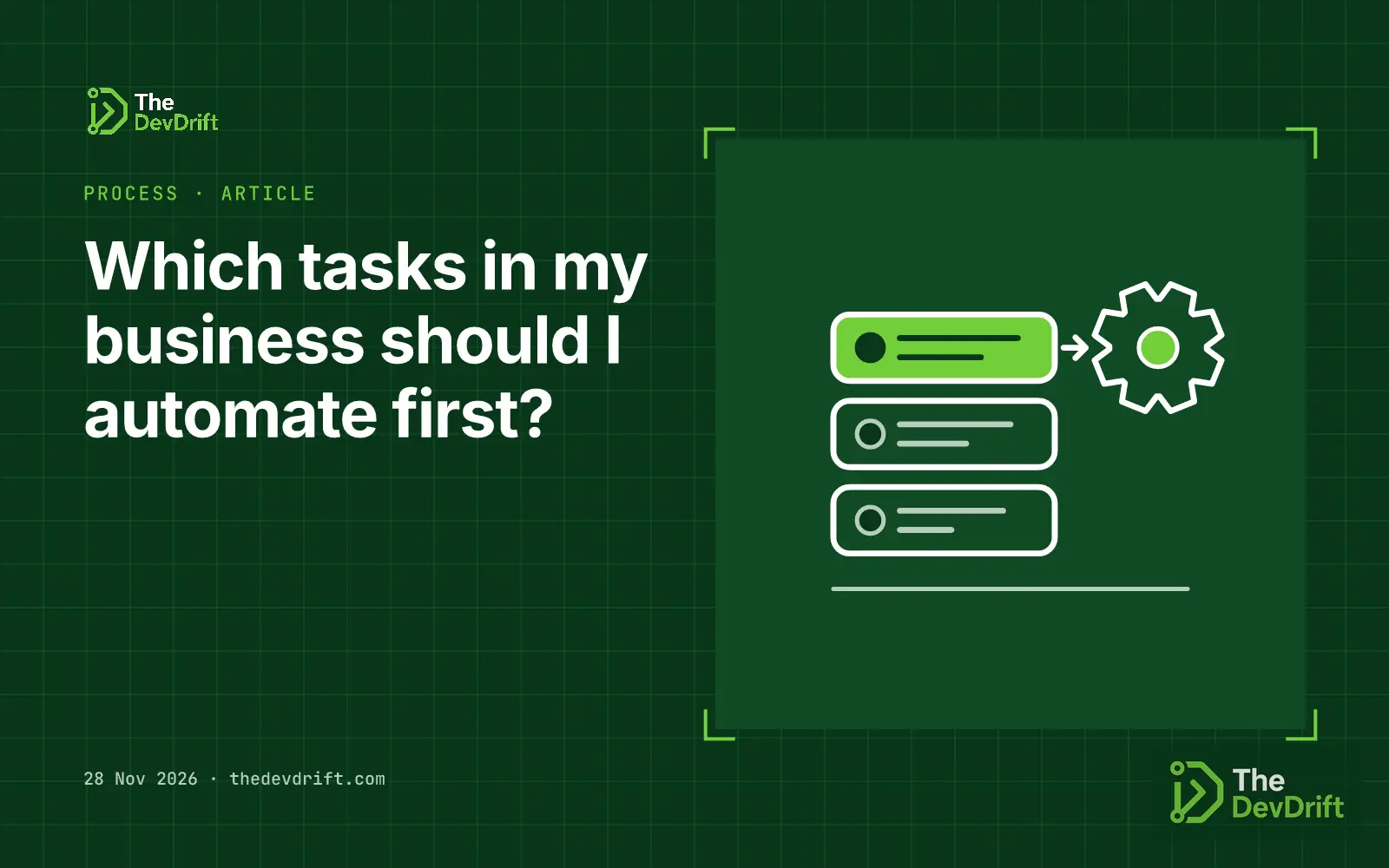
Which tasks in my business should I automate first?
Start with frequent, rule-based tasks where mistakes are easy to spot and undo. A six-step way to list, score and pick your first automation, with costs, common mistakes and a checklist.
- Author
 Umair Mateen
- Published
- Reading time
- 6 min
- Category
- Process
Ideas in this post
Tap one for a 5-second answer. Underlined words in the article work the same way.
0 of 3 understood
Automate first the tasks your team does often, the same way every time, where a mistake is easy to spot and cheap to fix. Copying details from one system to another, sending routine reminders and assembling the same weekly report are typical first picks. Leave work that needs judgement, or that changes money, contracts or a customer's account on its own, until you trust your automation and have a person checking it.
Step 1: List the repetitive work for two weeks
Ask each person to note tasks they repeat, how often, and roughly how long each takes. Include the people who actually do the work, not only managers. Google's Site Reliability Engineering team, which has written at length about cutting repetitive work, makes the same point in its workbook: identify the work with the people who do it, and pick a clear unit of measure, such as minutes or completed tickets. Its authors warn that gut feel is not a reliable guide, because experience and intuition can't be repeated or handed to someone else.
A shared spreadsheet is enough: task, who does it, how often, minutes each time, and which tools it touches.
Quick check · Side by side
Checking the door or fitting a doorbell: which suits the job?
Tap what matters to you (pick one or more) and see which option fits.
Checking the door (polling)
- Only as fast as you check, so news can sit waiting
- Many checks find nothing new
- Simple: just ask when you need it
- Nothing to expose to the internet
Doorbell (webhook)
- Told almost straight away
- A message only arrives when there is news
- Overkill to set up for a one-off
- Needs a public, secure endpoint that checks signatures
Pick what matters to you and the better fit lights up.
From the explainer What is a webhook? Explained with a doorbell
Step 2: Score each task with five questions
Google's SRE book describes this kind of work as "toil" and lists its signs. Translated for an ordinary business, ask of each task:
- Is it repetitive? You do it again and again. A one-off problem is not a good candidate.
- Is it manual? A person has to sit and do it by hand.
- Could a machine do it as well? The SRE book's test: if human judgement is essential, it is probably not a good candidate.
- Does it leave anything lasting? If things are in the same state after the task as before (a status copied, a reminder sent), it is pure upkeep.
- Does it grow with the business? If twice the customers means twice the hours, it will get worse every year.
The more "yes" answers, the stronger the case.
Step 3: Ask whether the task should exist at all
Before automating a task, see if you can drop it or change the process so it disappears. The SRE workbook puts this first: "Rejecting a toil-intensive task should be the first option you consider." A weekly report nobody reads, or a form that asks for details you already hold, is cheaper to remove than to automate.
Step 4: Pick the first candidate by risk, not only by hours
From the high-scoring tasks, pick one where:
- the rules are clear enough to write on one page;
- a wrong result is easy to notice and easy to undo;
- it doesn't on its own move money, change contracts or make decisions about a person;
- the systems involved can already talk to automation tools (many offer a webhook, an automatic message sent when something happens).
Common examples that often fit: copying new web-form enquiries into your CRM, sending appointment or payment reminders, creating a folder and checklist when a new client signs, or pulling numbers into a weekly summary. Tasks that move money, such as paying suppliers, can still be automated in part; our guide to automating invoice processing shows how to keep a person approving each payment.
Step 5: Check the time saved is worth the upkeep
Automation is not free once built. The SRE workbook advises checking that the time saved will at least match the time spent building and maintaining the automation. Tools and forms change, and automations can quietly break. The workbook also notes that some benefits are not measured in hours, such as fewer errors and less tedious work for staff, and these can justify a project too.
A rough sum helps: minutes per task × times per month gives hours per month today. Compare that with the setup time and the monthly cost of the tool, plus an hour or two a month for someone to check it still works.
Step 6: Start small, keep a person in the loop, keep a fallback
The workbook's advice is to start small and improve over time, rather than design a perfect system up front, and to begin with partial automation, where software does part of the job and a person does the rest. In business terms, let the automation prepare the draft, the record or the message, and have someone approve it until you trust it. This is called human in the loop. The workbook also says automation should hand back to a person when it meets a situation it can't handle safely. Keep the old manual way written down so anyone can step in.
The same applies to an AI agent, software that decides its own next steps. It needs the same limits and approvals, and a simple rule-based automation is usually the better first project.
What it costs and how long it takes
- No-code automation tools: Zapier's pricing page lists a free plan limited to two-step automations, a Professional plan from $19.99 a month with multi-step automations, and a Team plan starting from $69 a month for up to 25 users. The price depends on how many tasks you run each month, and the page offers a discount for paying yearly.
- Tools you already pay for: your CRM or accounting software may include basic automation.
- Developer time: connecting systems that have no ready-made connector, or building custom rules, depends heavily on scope. There is no reliable public average, so ask for a written scope and a fixed quote for a first, small automation.
- Time: two weeks to list and time tasks, then a few days to set up a simple automation in a no-code tool, plus a few weeks of supervised running before you rely on it. These are planning ranges, not guarantees.
Prices were correct on the vendor's page when this guide was written and may change.
Common mistakes
- Automating the most annoying task instead of the most repetitive and lowest-risk one.
- Automating a broken or pointless process, so it now runs badly at speed.
- Choosing tasks without asking the people who do them, and missing the exceptions only they know about.
- Letting automation send money, change bank details or close customer accounts with no one checking.
A checklist you can use today
- Ask your team to log repetitive tasks for two weeks: task, who, how often, minutes, tools.
- Score each task: repetitive, manual, machine-doable, no lasting result, grows with volume.
- Cross out tasks you can simply stop doing.
- From the rest, pick one with clear rules, low risk and an easy way to spot mistakes.
- Work out hours saved per month and compare with tool cost and upkeep.
- Run it with a person approving the output for a few weeks, with the manual steps written down.
- Name one owner who checks it every month.
If you'd like help choosing and setting up your first automations with approvals built in, The DevDrift can help: see our services.
Sources
You’ve read the news. Now understand it.
- Learn · 5 min · Side by sideWhat is a webhook? Explained with a doorbellA webhook lets one app tell another the moment something happens, instead of being asked over and over. Explained with a doorbell instead of checking the door every few minutes.Start in 5 seconds →
- Learn · 5 min · What would you do?What is human-in-the-loop? Explained with a manager signing chequesHuman-in-the-loop means AI prepares the work but a person approves the important steps before they happen. Explained with a manager who signs every cheque before it goes out.Start in 5 seconds →
- Learn · 5 min · Myth or factWhat is an AI agent? Explained with an assistant you send on errandsAn AI agent takes a goal, plans the steps and carries them out with software tools, checking each result as it goes. Explained with an assistant you send on errands.Start in 5 seconds →