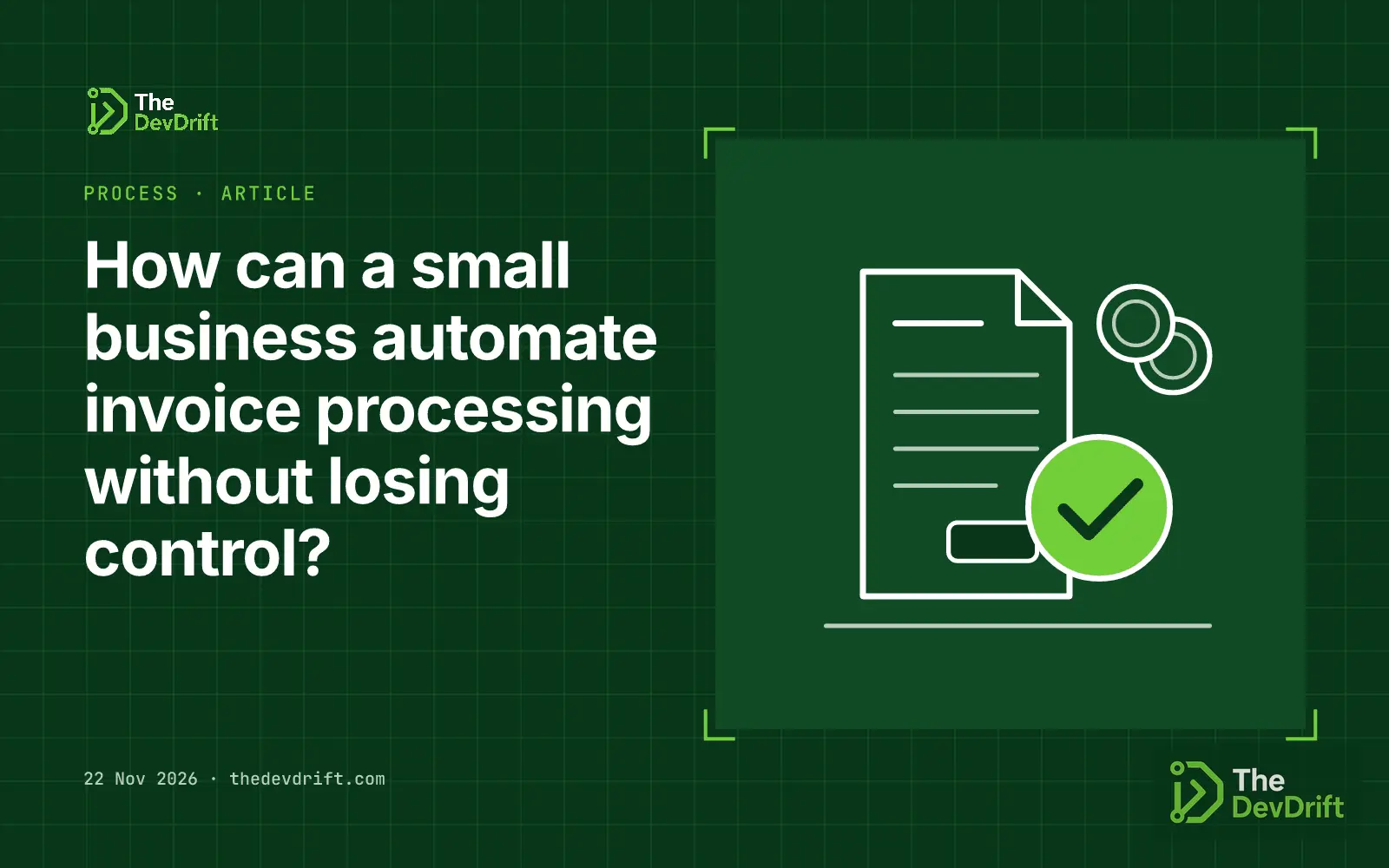
How can a small business automate invoice processing without losing control?
Let software read supplier invoices and fill in bills, but keep people approving each bill and verifying every payment change. A six-step plan with real costs, common mistakes and a checklist.
- Author
 Umair Mateen
- Published
- Reading time
- 6 min
- Category
- Process
Ideas in this post
Tap one for a 5-second answer. Underlined words in the article work the same way.
0 of 4 understood
Automate the typing, not the deciding. Let software read each supplier invoice and fill in the bill for you, but keep a person approving every bill before it is recorded, and a second check before any money leaves the account. Start with the tools you already pay for, run them on a few weeks of real invoices, and only add more automation once you trust the results.
This guide is for owners and finance leads at small and growing companies who handle supplier invoices by hand today, whether that is ten a month or a few hundred.
Step 1: Write down how an invoice moves today
Before buying anything, follow one invoice from arrival to payment. Note where invoices come in (one shared inbox, several inboxes, paper post), who types them into the accounting software, who checks the amounts, who approves payment and who presses "pay". Count roughly how many arrive each month and how long each one takes.
Quick check · Myth or fact
Document AI: myth or fact?
Decide for yourself first, then tap each statement to check it.
0 of 4 checked
From the explainer What is Document AI? Explained with a mailroom clerk
This map tells you which step is slow. Often it is the typing. It also shows where control matters most: the approval and the payment.
Step 2: Send every invoice to one place
Ask suppliers to send invoices to a single address, such as invoices@yourcompany. One inbox is easier to automate, easier to search and easier to protect. It also means a new team member knows where to look.
Step 3: Turn on the reading feature your accounting tool already has
Some accounting products can read an emailed invoice or receipt for you. This is called document AI: software that reads a document and pulls out the details. QuickBooks Online is one example. Its help article explains that an admin sets up a forwarding address, and QuickBooks then pulls the date, amount and vendor from the attached file. The item lands in a Receipts list, where someone reviews it, chooses the account and adds it or matches it to an existing transaction. It accepts PDF and common image files, one document per file.
That review step is the point. Software does the typing; a person confirms it. This is a simple form of human in the loop. Check what your own accounting tool offers before paying for anything extra.
Step 4: Decide who approves what
Write a short rule and set it up in your tools where you can:
- Who may approve a bill, and up to what amount.
- Bills above a set amount need a second approver.
- The person who enters a bill should not be the only person who approves its payment.
- Only a small number of named people can change a supplier's bank details.
Many accounting tools let you limit what each user can do. This is role-based access. Give each person their own login, so the system's audit trail shows who entered, changed and approved each bill.
Step 5: Protect the payment step from fake invoices
Automation makes paying faster, and fraudsters rely on speed. The FBI's Internet Crime Complaint Center describes business email compromise as criminals taking over real business email accounts, through trickery or hacking, so they can redirect payments. One pattern it describes is a request to switch payment to a different bank account the criminal controls. Its 2023 public service announcement reports more than $50 billion in exposed losses worldwide between October 2013 and December 2022.
The FBI's advice includes verifying any change to account details through a second channel, checking the sender's full email address and watching your accounts for anything unusual. In practice: when a supplier asks to change bank details, phone them on a number you already had on file, not one in the email. Never let an automated rule update bank details on its own.
Step 6: Pilot, measure, then widen
Run the new process on real invoices for two to four weeks. For each invoice, note whether the extracted details were right and how long the review took. Fix the common errors (for example, suppliers whose layout confuses the reader) before you add more automation, such as automatic coding to accounts or matching against purchase orders.
If you process high volumes or need invoice data inside your own systems, a developer can connect a document-reading service directly. Cloud providers sell these by the page; see the costs below.
What it costs and how long it takes
- Your accounting tool: if reading invoices is included in your plan, there may be no extra cost. Check your plan's feature list; the QuickBooks help article does not say which plans include it.
- Amazon Textract (invoice and receipt reading): $0.01 per page for the first million pages a month, then $0.008 per page, at the listed US West (Oregon) prices. New AWS customers get 100 free pages a month for three months.
- Google Cloud (Invoice Parser): $0.10 per document of up to 10 pages at standard prices, with lower rates on one- and three-year savings plans.
- Developer time to connect a service to your own systems is the larger cost and depends on scope. There is no reliable public average, so ask for a written scope and quote.
- Time: turning on a built-in feature and writing approval rules can take an afternoon. Allow a few weeks for the pilot.
These prices are in US dollars and were correct when this guide was written. Check the pricing pages before you budget.
Common mistakes
- Letting software create and pay bills with no person checking them.
- Updating a supplier's bank details because an email asked, without a phone call to a known number.
- Sharing one finance login, so nobody can tell who approved what.
- Buying a separate invoice tool before checking what the accounting software already does.
- Judging accuracy on a demo instead of your own suppliers' invoices.
- Automating a messy process: invoices arriving in five inboxes stay messy, only faster.
A checklist you can use today
- Map how one invoice travels from arrival to payment, and who touches it.
- Set up a single invoices inbox and tell your suppliers.
- Check whether your accounting tool can read emailed invoices, and turn it on.
- Write down who approves bills, the amount that needs a second approver, and who can change bank details.
- Give every finance user their own login with two-factor authentication.
- Adopt a rule: bank detail changes are confirmed by phone on a known number.
- Run a two-to-four-week pilot and record errors and time saved.
If you want help designing an invoice workflow with approvals and an , The DevDrift can help: get in touch.
Sources
You’ve read the news. Now understand it.
- Learn · 5 min · Myth or factWhat is Document AI? Explained with a mailroom clerkDocument AI is software that reads invoices, receipts and forms and turns them into labelled data. Think of a mailroom clerk who reads every letter and fills in a standard slip.Start in 5 seconds →
- Learn · 5 min · What would you do?What is human-in-the-loop? Explained with a manager signing chequesHuman-in-the-loop means AI prepares the work but a person approves the important steps before they happen. Explained with a manager who signs every cheque before it goes out.Start in 5 seconds →
- Learn · 5 min · What would you do?What is role-based access? Explained with office keycardsRole-based access control gives permissions to job roles, then gives people the roles they need. Explained with office keycards that open only certain floors.Start in 5 seconds →
- Learn · 5 min · Myth or factWhat is an audit trail? Explained with a visitor logbookAn audit trail is a time-ordered record of who did what in a system, when and with what result. Explained with the visitor logbook at an office reception desk.Start in 5 seconds →