Malicious Claude Code extension hit Cursor's marketplace: what to check on your team's machines
On 29 October, tampered versions of the Claude Code extension reached Cursor users and tried to plant an SSH back door. Who is affected, what the malware does, and the checks to run this week.
- Author
 Umair Mateen
- Published
- Reading time
- 4 min
- Category
- Engineering
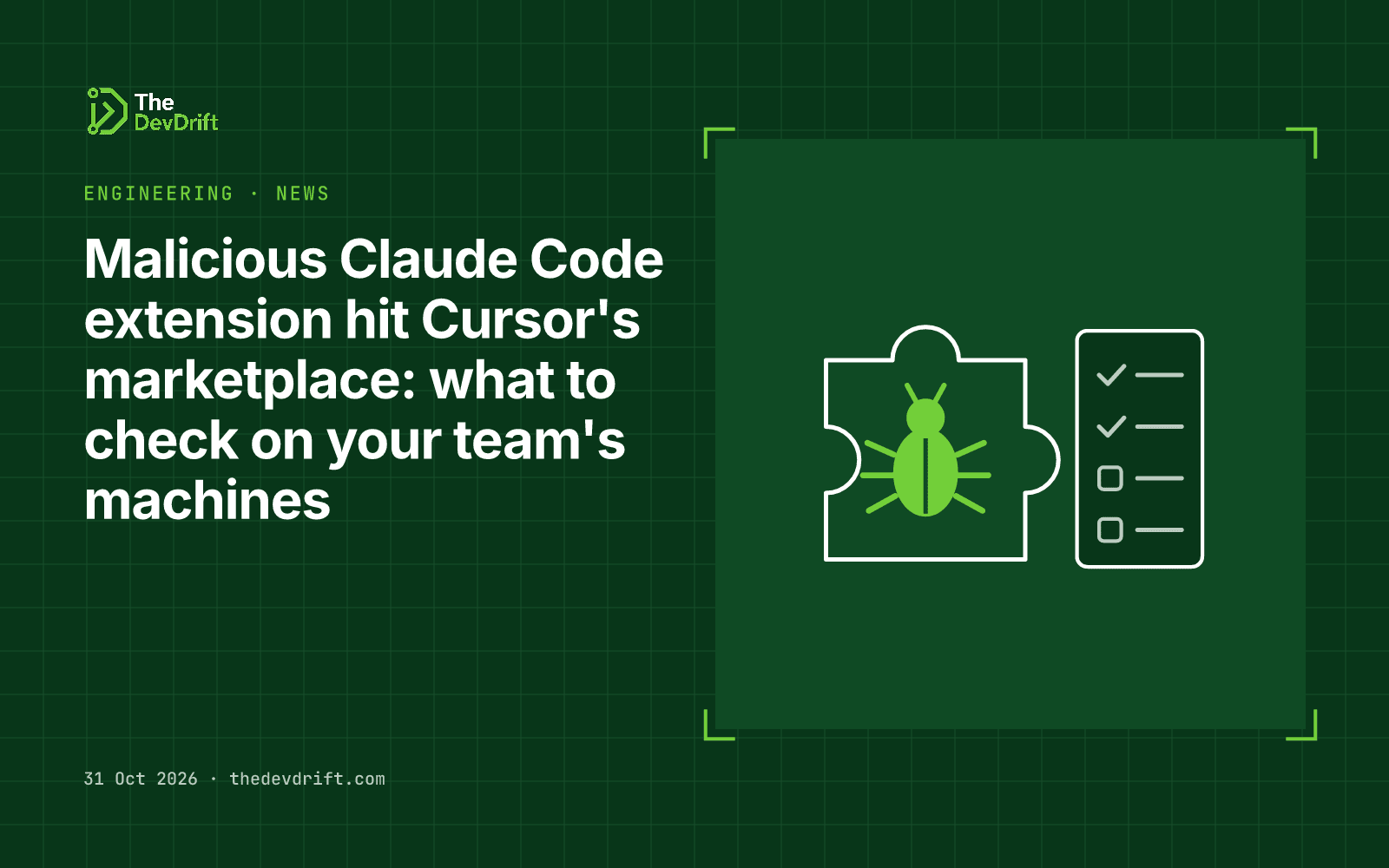
On 29 October 2026, Cursor published a security notice saying that malicious copies of the Claude Code extension (listed as Anthropic.claude-code, versions 2.1.312 and 2.1.313) were served to Windows and macOS users through Cursor's extension marketplace between roughly 2:27am and 1:35pm Pacific time that day. Cursor says these builds "were not developed by Anthropic" and that it has no evidence other versions or the official distribution were affected.
If anyone on your team uses Cursor, or another VS Code-style editor, with the Claude Code extension, check their machines today. Uninstalling the extension does not remove what the malicious build left behind.
What happened
An extension marketplace is the app store inside a code editor. Developers install add-ons from it, and those add-ons run with the same access as the developer: their files, their keys and their logged-in sessions. That is what makes a poisoned extension serious.
According to Cursor's notice, which was updated on 30 October to revise the indicators and clarify the affected versions, the tampered extension did four things when it loaded:
- Reported on the machine. It sent the hostname, username, operating system, home folder, Git email, public IP address and the names of environment variables to a server run by the attacker.
- Tried to open a back door. It attempted to add the attacker's SSH key (SSH is the standard tool for logging into a computer remotely) and open a reverse tunnel, so the attacker could connect in. Cursor says this step would generally fail without administrator rights.
- Tried to stay. It set up a macOS LaunchAgent or a Windows scheduled task to retry the tunnel about every 60 seconds.
- Hid behind ordinary names such as
com.apple.sysmondandSysMon.
Cursor says it removed the version, shut the whole marketplace down as a precaution, audited access, found no other tampered extensions, rotated its keys and rebuilt the marketplace. It also worked with the hosting provider to take the attacker's server offline.
Security firm StepSecurity reports that the 2.1.313 build also appeared on Open VSX, the open extension registry that Cursor mirrors and that editors such as VSCodium and Windsurf also use. It says a clean 2.1.314 was published there early on 30 October UTC, and that how the malicious build got into the registry under the legitimate publisher name has not been established. Cybersecuritynews likewise describes it as a malicious artifact, not a proven compromise of Anthropic's own Visual Studio Marketplace release.
Who should care
- Teams using Cursor with the Claude Code extension, especially anyone who updated extensions on 29 October.
- Teams on other editors that pull from Open VSX, such as VSCodium or Windsurf, on StepSecurity's account.
- Anyone whose developer laptops hold production credentials: cloud keys, database passwords, deploy tokens. Those are what an attacker wants from a developer machine.
Users who installed the extension from Microsoft's Visual Studio Marketplace in standard VS Code are not named as affected in any source we read, but the checks below take minutes and are worth running anyway.
Limits and open questions
No source we read gives a confirmed number of affected users or explains how the malicious version was published. We found no public statement from Anthropic at the time of writing. Cursor's own notice changed once already, so check it again for updates before you close the incident.
What to do this week
- Check for the attacker's key. Look in
~/.ssh/authorized_keyson macOS, or%USERPROFILE%\.ssh\authorized_keyson Windows, for a key labelledsvc-telemetry. Cursor's notice gives the exact commands. - Look for persistence files. On macOS:
~/Library/LaunchAgents/com.apple.sysmond.plist,~/.config/.smtand~/.config/.smtk. On Windows: a scheduled task namedSysMon,%USERPROFILE%\.config\smt.cmdand a Startup file namedsysmon.cmd. - Check network logs for connections to
134.209.82.225on ports 22 or 8099. - If anything matches, isolate the machine, keep evidence, then remove the artifacts with Cursor's remediation scripts. Treat a rebuild as the safer option.
- Rotate secrets that the machine could reach (cloud keys, API tokens, SSH keys, Git credentials), working from a clean device.
- Update the extension to a version published after the incident, and consider pinning editor extensions or allow-listing approved ones across the team.
Editor extensions are now part of your software supply chain, in the same way npm or PyPI packages are. If your team is putting AI coding tools into daily use, The DevDrift can help set that up with approvals and clear controls over what runs where.