Google opens Genie 4 to developers: AI-generated interactive worlds through the Gemini API
Google has made Genie 4, its world model that turns a prompt or image into an explorable 720p scene with sound, available in the Gemini API and AI Studio. What it does, where it fits and its limits.
- Author
 Umair Mateen
- Published
- Reading time
- 4 min
- Category
- AI
Ideas in this post
Tap one for a 5-second answer. Underlined words in the article work the same way.
0 of 4 understood
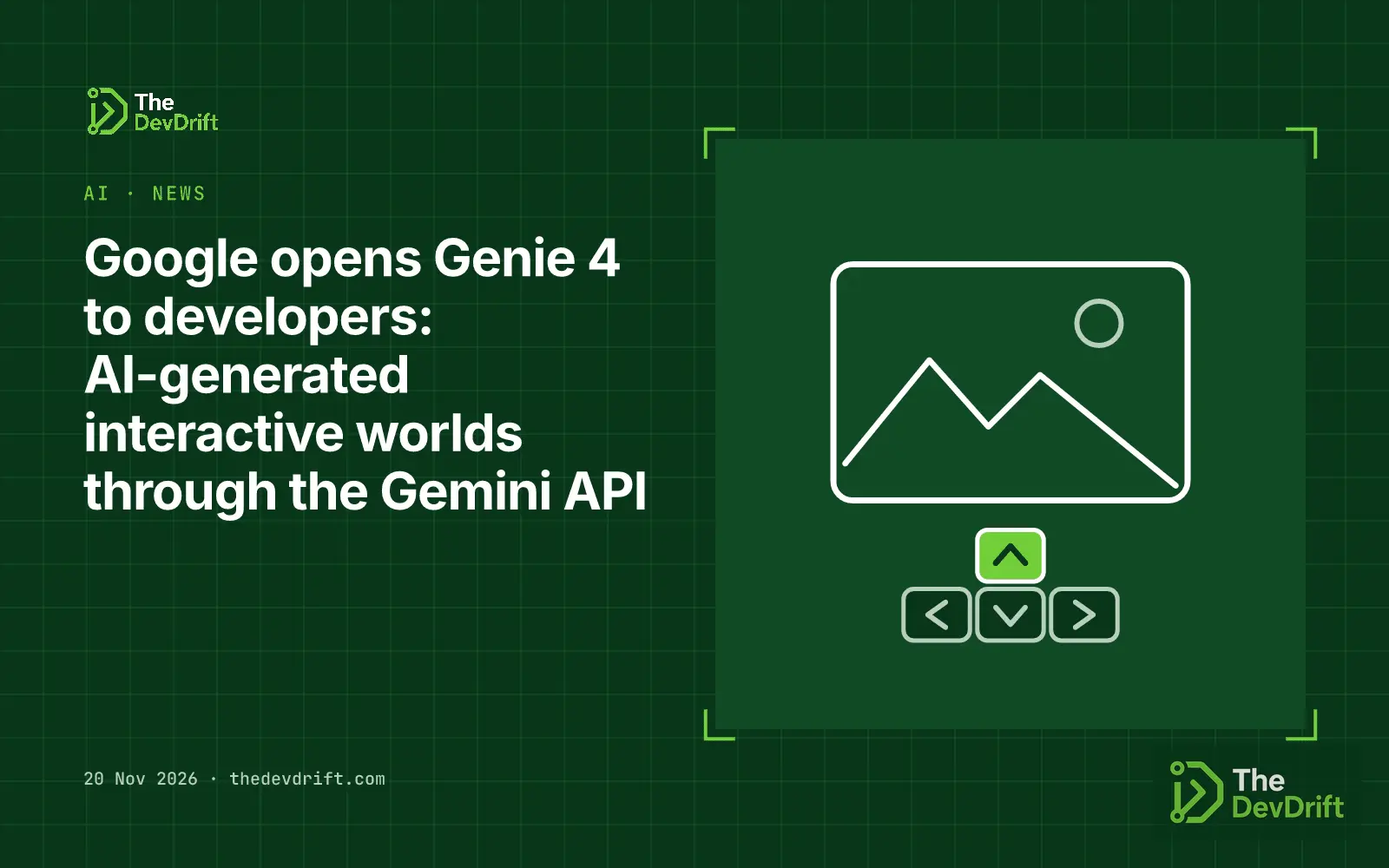
Google made Genie 4 available to developers through the Gemini and Google AI Studio on 19 November 2026. A day earlier, it began rolling Genie 4 out to eligible Google AI Ultra subscribers in its consumer app, Project Genie.
What Genie 4 is
Genie 4 is what Google DeepMind calls a world model: instead of producing a fixed video clip, it generates a scene you can move around in and change while it runs. According to the model card, it takes text, images and live keyboard and mouse input, and outputs real-time 720p video at up to 24 frames per second with synchronised audio. It is built on Gemini Omni Flash and uses other Gemini models to reason about what should happen next.
In practice, you start a world from a text prompt, a reference image, or both. While it runs, you can steer with the keyboard and type new instructions to change the weather, lighting, objects or events. Google's developer post says Gemini reasoning keeps the state of the world consistent as you go. Every output carries Google's invisible SynthID watermark.
Quick check · Everyday ↔ real
The restaurant and the API, side by side
Switch between the two and see how each part lines up.
- You, the customer
- The menu
- Your order to the waiter
- The kitchen
- Your dish, or "sold out"
You order from the menu and the waiter brings back your dish, without you ever seeing the kitchen.
| Everyday | Real |
|---|---|
| You, the customer | The client (your app) |
| The menu | The documentation |
| Your order to the waiter | The request |
| The kitchen | The server |
| Your dish, or "sold out" | The response, or an error |
From the explainer What is an API? Explained with a waiter in a restaurant
Genie 4 was first announced on 27 October for a limited group of trusted testers. This week's change is that developers can now reach it in the API, through Google's Interactions API, and try it in AI Studio.
Who should care
Google names three uses in its developer post:
- Prototyping interactive experiences before anyone builds them properly.
- Visualising designs for spatial concepts.
- Training robots and in simulated environments that can be varied endlessly. The lists this alongside new interactive experiences as the model's intended uses.
For most businesses this is an experiment, not a production tool yet. The teams most likely to get value now are game and entertainment studios, agencies pitching immersive concepts, architecture and real-estate teams that want quick walk-throughs, and robotics or AI teams that need simulated test worlds.
Limits and caveats
- It is a preview. The model card says Google is "sharing Genie 4 as a preview", and the Project Genie post says both Genie 3 and Genie 4 remain frontier research.
- Worlds drift. The model card warns that visual details and object permanence can shift over time, especially in longer sessions or after many prompt edits. Complex physics, accurate real-time audio, legible text in the scene and spatial accuracy are all listed as open problems.
- Short sessions. The model card describes coherent environments over short sessions. Google has not published a session length for Genie 4.
- Pricing is in the docs, not the announcement. The developer post does not state a price, rate limits or regions; it points to the Gemini API documentation for pricing. Check it before you plan any volume.
- Consumer access is narrow. In Project Genie, Genie 4 is for eligible Google AI Ultra subscribers; Google AI Pro members can join a waitlist.
What to do this week
- If you build games, training, events or immersive marketing, have one person spend an hour in AI Studio with Genie 4 using your own concept images, and note where the world drifts.
- Before any build, read the Gemini and limits for Genie 4 and estimate cost per minute of interaction.
- Treat outputs as sketches for internal reviews and client pitches, not finished work, and tell clients the material is AI-generated. The SynthID watermark helps with that, but say it plainly too.
- Robotics and agent teams: compare Genie 4 against the simulators you already use on one narrow task before changing anything.
If you want to test whether a tool like this fits a real workflow, The DevDrift helps teams run small, measured AI pilots.
Sources
You’ve read the news. Now understand it.
- Learn · 5 min · Everyday ↔ realWhat is an API? Explained with a waiter in a restaurantAn API is a set of rules that lets one program ask another for data or a task and get an answer back. Explained with a waiter carrying orders between you and the kitchen.Start in 5 seconds →
- Learn · 5 min · Myth or factWhat is a model card? Explained with the label on a food packetA model card is the document published with an AI model that says what it is for, how it was tested and where it falls short. Think of it as the label on a food packet.Start in 5 seconds →
- Learn · 5 min · Myth or factWhat is an AI agent? Explained with an assistant you send on errandsAn AI agent takes a goal, plans the steps and carries them out with software tools, checking each result as it goes. Explained with an assistant you send on errands.Start in 5 seconds →
- Learn · 5 min · What would you do?What is AI usage pricing? Explained with a taxi meterAI services charge by usage: a meter counts the tokens a model reads and writes, at a lower rate for input and a higher one for output. Explained with a taxi meter that counts words.Start in 5 seconds →