Gemini Notebook can now turn your notes and files into shareable interactive sites
Google's Gemini Notebook now builds interactive sites, such as dashboards, timelines and trackers, from the sources you add. Who gets it, what it's good for and what to check before sharing.
- Author
 Umair Mateen
- Published
- Reading time
- 3 min
- Category
- AI
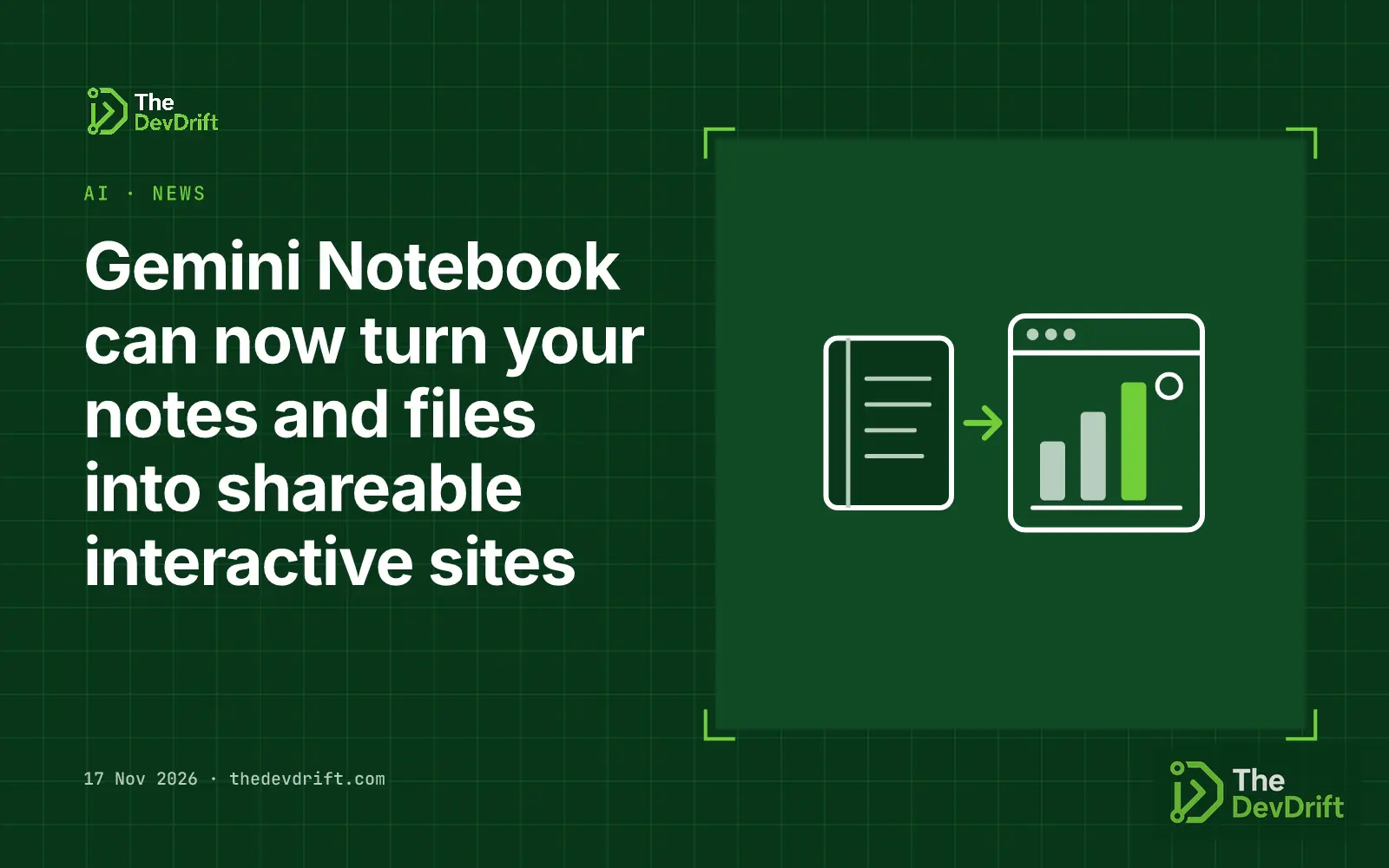
Google has added interactive sites to Gemini Notebook. Since 16 November 2026, you can ask the notebook to turn the sources you have collected into a small web page, such as a dashboard, a timeline or a project tracker, and then open it in a new tab or share it.
What it does
Gemini Notebook is Google's space for gathering documents, notes and research and asking Gemini questions about them. The new feature adds one more output type. According to Google's announcement:
- How you start: type "make me a site" in the notebook's chat, with a description of what you want for work or study.
- What you can build: Google's examples are visual explainers (an interactive periodic table or a historical timeline), interactive dashboards (quarterly sales performance) and project management trackers that list tasks and deadlines.
- What you can do with it: choose "Open in a new tab" to use the site, or share it with other people.
Who gets it
Google says the feature is rolling out globally on the web to Gemini Notebook users aged 18 and over, including Google Workspace subscribers. Google says a mobile app version will follow, with no date given. The announcement does not mention plan tiers or extra cost.
Why it matters for teams
Many teams already pull reports, meeting notes and spreadsheets into one place to ask an AI questions. Until now the answers came back as chat text or documents. A generated site is easier to hand to a manager or client who won't read a long summary: a sales dashboard built from last quarter's exports, an onboarding explainer built from internal docs, or a tracker built from a project brief.
It also puts a quick, low-effort internal tool within reach of people who don't code. That is useful for one-off views, but it is different from a maintained app: the announcement does not say whether a site updates when the underlying sources change, so assume it reflects the sources at the time you built it.
Limits and caveats
- Check the numbers. A dashboard looks authoritative. Before you share one, compare its key figures against the original spreadsheet or report, as you would any AI-generated summary.
- Check who can see it. Sharing a site may expose information from your sources. Review what went into the notebook, and your organisation's Workspace sharing settings, before sending a link outside the team.
- Web only for now. Phone users will have to wait for the mobile release.
- Adults only. The rollout is limited to users aged 18 and over, which matters for schools and youth programmes using Workspace.
What to do this week
- If your team uses Gemini Notebook, try one real case: turn a recent report or project brief into a site and see whether it saves a meeting or a slide deck.
- Agree a simple rule before people start sharing: who checks the figures, and whether sites may go to clients.
- Workspace admins should confirm how sharing is controlled for Gemini features in your domain.
- For anything that has to stay current or connect to live data, plan a proper dashboard or internal tool rather than relying on a generated page.
The DevDrift builds internal dashboards and trackers that connect to live data, for teams that outgrow one-off pages.