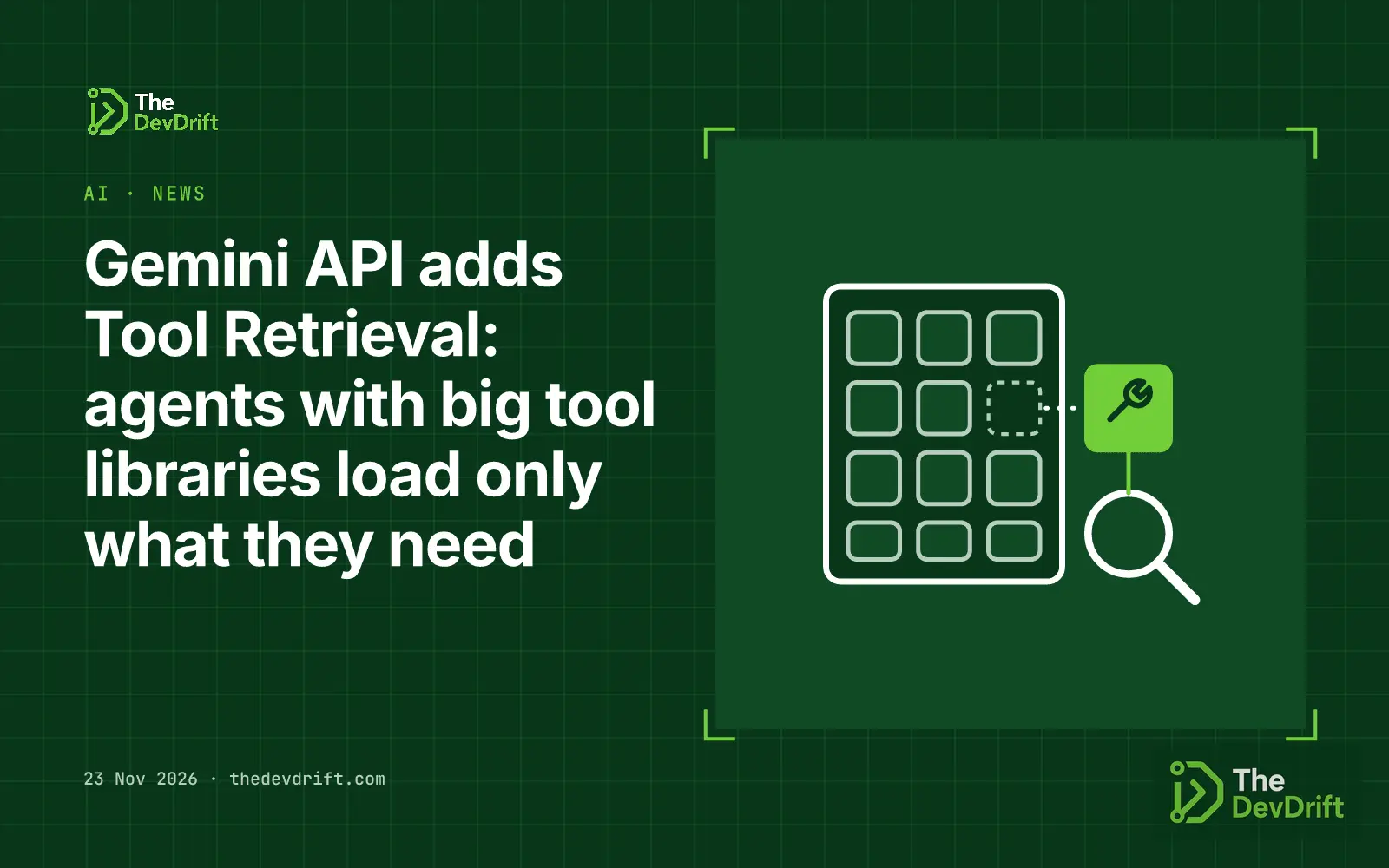
Gemini API adds Tool Retrieval: agents with big tool libraries load only what they need
Google's Gemini Interactions API can now keep large tool libraries on standby and load a tool's full definition only when a task needs it, aiming to cut input tokens and wrong tool picks. It is in preview.
- Author
 Umair Mateen
- Published
- Reading time
- 3 min
- Category
- AI
Ideas in this post
Tap one for a 5-second answer. Underlined words in the article work the same way.
0 of 4 understood
Google introduced Tool Retrieval for the Gemini on 19 November 2026. It is in preview in the Gemini Interactions API and lets an keep a large library of tools on standby, pulling in each tool's full definition only when a task calls for it.
What it actually does
An AI agent works by calling "tools": functions such as look up an order, create an invoice or search a CRM. Normally every tool's full description and input format (its schema) is sent to the model with every request. With dozens or hundreds of tools, that adds cost, slows responses and makes the model more likely to pick the wrong one.
With Tool Retrieval, developers mark tools as deferred. The model sees only each deferred tool's name and a short description. When it decides it needs one, the API searches the library, loads that tool's schema and makes the call, all within one request. Google's documentation puts the goal simply: "Tool retrieval keeps the active tool set small."
Quick check · Everyday ↔ real
The restaurant and the API, side by side
Switch between the two and see how each part lines up.
- You, the customer
- The menu
- Your order to the waiter
- The kitchen
- Your dish, or "sold out"
You order from the menu and the waiter brings back your dish, without you ever seeing the kitchen.
| Everyday | Real |
|---|---|
| You, the customer | The client (your app) |
| The menu | The documentation |
| Your order to the waiter | The request |
| The kitchen | The server |
| Your dish, or "sold out" | The response, or an error |
From the explainer What is an API? Explained with a waiter in a restaurant
- Server-side mode (default): Google runs the search for you; there is no index to build or host.
- Client-side mode: your app runs the lookup and returns matching tools. This adds a round trip but suits tools that differ per user or change often.
- servers: you can defer every tool exposed by a remote MCP server (Model Context Protocol, a common standard for plugging tools into AI models) with one setting.
Who should care
Teams building agents that connect to many systems, such as an internal assistant wired to email, finance, CRM and ticketing, or a product that offers each customer a different set of actions. Google's docs suggest plain loading for fewer than 20 stable tools, server-side retrieval for large known libraries and MCP servers, and client-side retrieval for dynamic or per-user tools.
Cost, limits and caveats
- Preview: it requires the v1beta API version, and Google says the API may change before . No GA date is given.
- Interactions API only: the older generateContent endpoint does not support it.
- Models: the docs list gemini-4-carbon, gemini-4-neon, gemini-4-hydrogen, gemini-4-argon, gemini-3.8-flash and gemini-3.6-flash.
- Billing: no separate charge, but not free. Each server-side search is an extra model call billed at the input rate, and every schema the model loads stays in the conversation as input tokens. Deferring tools can also push a prompt below the minimum size for automatic caching, so caching discounts may stop applying. Google's blog advises measuring it against your own traffic.
- Other limits: one tool search entry per request, server and client modes can't be mixed, and loaded tools can't be unloaded. Google also warns not to defer tools that your system instructions mention by name.
What to do this week
- Count the tools your agents send per request. If it is under about 20, this likely isn't worth changing yet.
- If it is larger, run a side-by-side test on real traffic: same tasks with and without deferred tools, comparing token use, speed and how often the right tool is chosen.
- Keep your most-used tools loaded normally and defer the long tail.
- Because it is a preview, keep it behind a feature flag and avoid building core production paths on it until GA.
The DevDrift helps teams connect AI agents to their business systems with approvals and audit trails built in.
Sources
You’ve read the news. Now understand it.
- Learn · 5 min · Everyday ↔ realWhat is an API? Explained with a waiter in a restaurantAn API is a set of rules that lets one program ask another for data or a task and get an answer back. Explained with a waiter carrying orders between you and the kitchen.Start in 5 seconds →
- Learn · 5 min · Myth or factWhat is an AI agent? Explained with an assistant you send on errandsAn AI agent takes a goal, plans the steps and carries them out with software tools, checking each result as it goes. Explained with an assistant you send on errands.Start in 5 seconds →
- Learn · 6 min · Myth or factWhat is MCP? Explained with an office of service countersMCP (Model Context Protocol) is one shared way for AI assistants to connect to other software and use it with your permission. Explained with an office where every department takes the same request slip.Start in 5 seconds →
- Learn · 5 min · Side by sideWhat is general availability (GA)? Explained with a restaurant openingGeneral availability (GA) is when software is open to all customers and declared ready for real work, with support that preview and beta versions lack. Explained with a restaurant's soft opening and grand opening.Start in 5 seconds →