Claude can now install artifacts as Mac and Windows apps: what they can access and what admins control
Anthropic's Install as app beta turns Claude artifacts into desktop apps on Mac and Windows. What they can do, which plans get it, the permission model and what admins should set.
- Author
 Umair Mateen
- Published
- Reading time
- 4 min
- Category
- AI
Ideas in this post
Tap one for a 5-second answer. Underlined words in the article work the same way.
0 of 2 understood
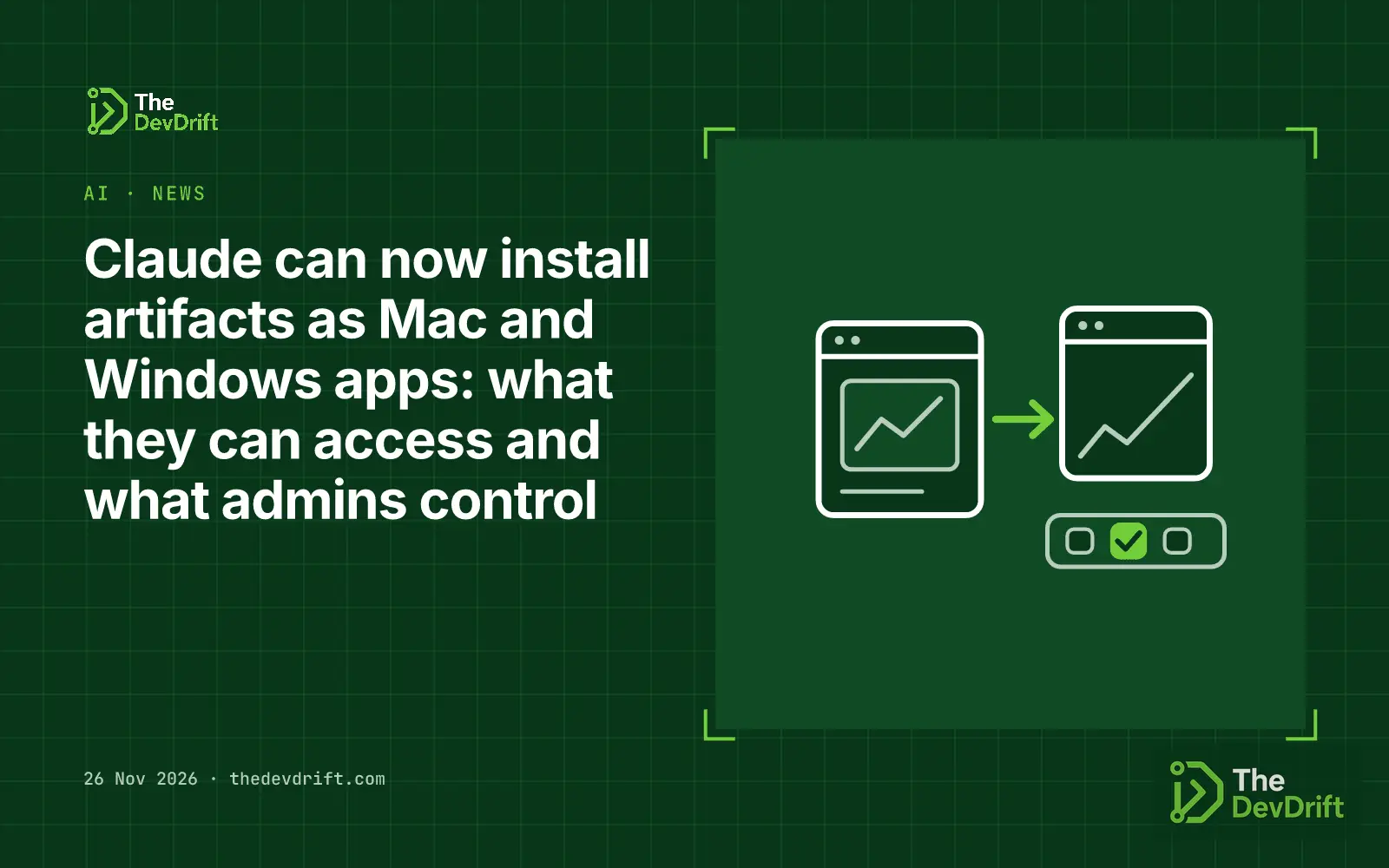
Anthropic now lets people turn an artifact Claude builds (a small interactive tool, tracker or page made in a chat) into an app on their Mac or Windows computer, with its own window and icon. The feature, called Install as app, was announced on 24 November 2026 and is listed in Claude's release notes the same day. It is in beta and rolling out gradually.
What it does
Until now, an artifact lived inside the Claude app or a browser tab. With Install as app, you open an artifact in Claude for Mac or Windows, choose "Install as app" from its title menu or the Share menu, and confirm. The app then appears in a Claude Apps folder (in Applications on a Mac, in the Start menu on Windows) and opens like any other program.
Anthropic says there is no packaging, code signing, or separate login involved: the app runs on your Claude account, and you need to be online and signed in to open it.
Quick check · Spot the weak point
Where is this key most likely to be stolen?
A small team added an AI writing feature to its website. Tap the part where the API key is most exposed.
From the explainer What is an API key? Explained with a key to a supplier's stockroom
Installed apps can ask for more than a browser page would get. According to the help article, the permissions are:
- Notifications
- Keyboard shortcuts
- Floating over other windows
- A menu bar item (Mac) or system tray icon (Windows)
- Full access to the computer, which lets the app run programs and read, change or delete files without asking each time
Approval applies to one version of an app only. After any update, including your own edits, Claude asks again.
Who gets it
- Plans: the help article lists Free, Pro, Max, Ultra, Team and Enterprise; Anthropic's post says it is rolling out on all plans.
- Version: Claude for Mac or Windows version 6.28899.0 or later.
- Team plans: on by default, but full computer access stays off until an admin turns it on.
- Enterprise plans: off entirely until an owner enables it under Organization settings, then Artifacts.
Limits and caveats
- Beta. In Anthropic's words, "Install as app is rolling out in beta on all plans."
- Desktop only. Not available on Linux, the web or mobile.
- Not every artifact. Claude Docs, Slides and Sheets artifacts, legacy artifacts and live Cowork artifacts can't be installed.
- Regulated setups. It isn't available to HIPAA-ready organizations or hybrid deployments. Organizations on can install apps once an owner enables the feature, but the help article says those apps are not covered by zero data retention.
- Full access is restricted. Claude generally won't grant full computer access to an app if someone outside your organization wrote part of it or the author can't be confirmed. On individual plans, anyone other than you counts as outside.
- Usage counts. Building apps and the requests they make count toward your plan's usage limits.
Who should care
Small teams that already use Claude to build quick internal tools (a quote calculator, a checklist, a status board) can now keep them one click away instead of digging through old chats. For IT and security leads, the bigger point is that these apps can request deep access to a computer, so the admin settings matter.
What to do this week
- Admins on Team plans: the feature is already on. Decide whether app permissions and full computer access should be allowed, and set them in your organization's settings.
- Owners on Enterprise plans: it stays off until you enable it. Decide whether to pilot it with a small group first.
- Write a simple rule for staff: only grant full computer access to apps they built themselves or that came from a named colleague, and re-check permissions after updates.
- Check data rules: if your organization relies on zero data retention or handles health data, read the limitations section of the help article before anyone installs apps.
- Try one useful tool: pick an artifact your team opens every day and install it, so you can judge the feature on real work.
If you want help turning repeated tasks into small internal tools with sensible access controls, that's work The DevDrift does for teams.
Sources
You’ve read the news. Now understand it.
- Learn · 5 min · Spot the weak pointWhat is an API key? Explained with a key to a supplier's stockroomAn API key is a secret code that lets your software use another company's service, with the usage billed to your account. Explained with a key to a supplier's stockroom that anyone holding it can open.Start in 5 seconds →
- Learn · 5 min · Myth or factWhat is zero data retention? Explained with a translator's shredderZero data retention is an AI provider's promise not to store your prompts or its answers after replying. Picture a translation office that shreds your letter once the reply is posted.Start in 5 seconds →