Claude can now send files to your connected apps and save files from them (beta)
Claude can now move files directly to and from connected apps, in beta. Rolling out on Pro, Max and Ultra; off on Team and Enterprise until an Owner enables it. Limits, gaps and what admins should check.
- Author
 Umair Mateen
- Published
- Reading time
- 5 min
- Category
- AI
Ideas in this post
Tap one for a 5-second answer. Underlined words in the article work the same way.
0 of 4 understood
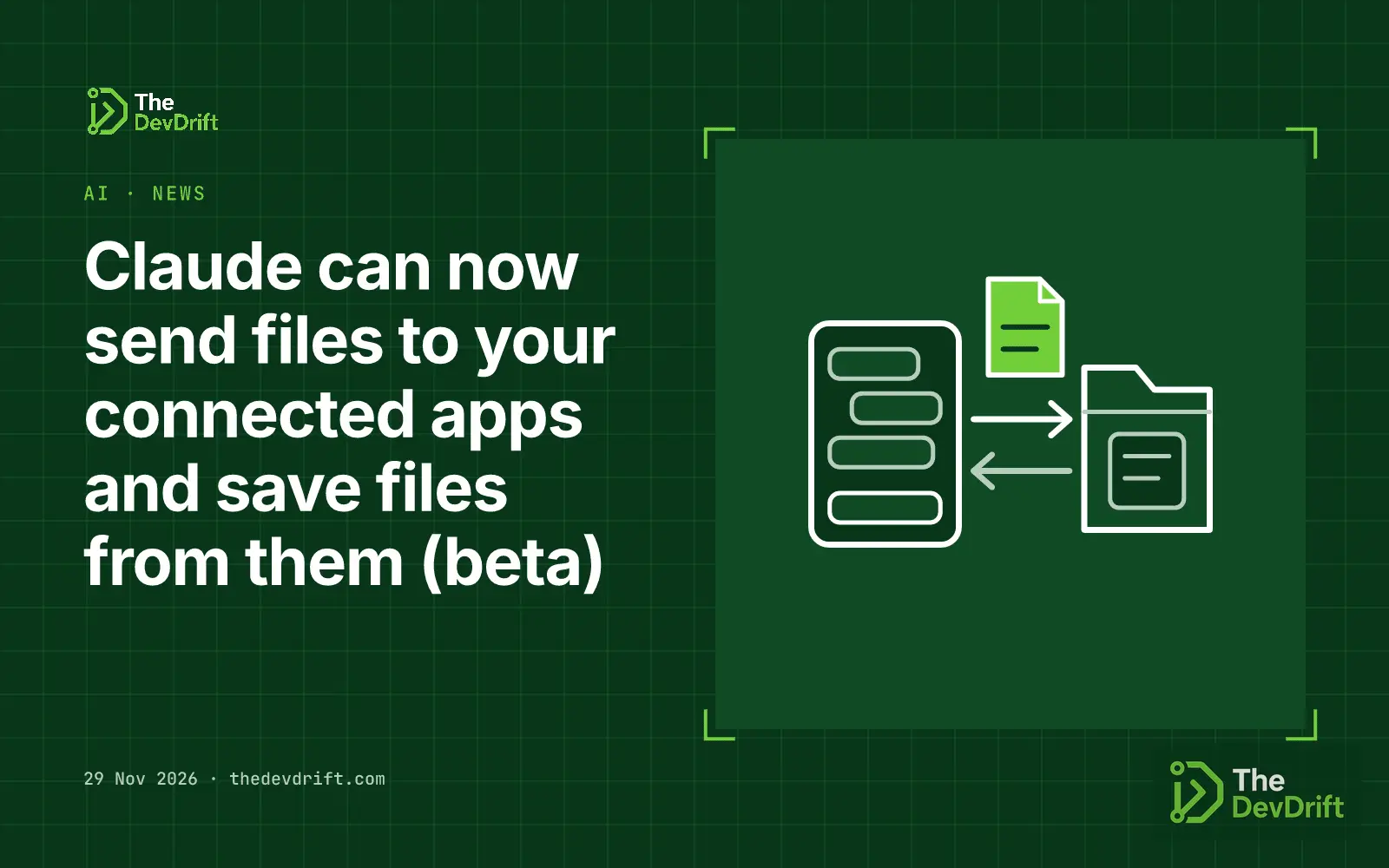
Anthropic's Claude release notes list a new beta, dated 24 November 2026: Claude can now send files to connected apps and save files from them. Ask it to put a finished presentation into your cloud storage, or to pull in a contract from a connected tool for review, and the file moves directly instead of being pasted into the chat. When we covered Anthropic's connector update a few days ago, file uploads were still marked "coming soon"; this is that feature arriving.
A connector is the bridge that lets Claude read from or act in another app. Until now, connectors mostly exchanged text. This beta lets them exchange whole files.
What it does
- Send: Claude can upload a file it made or you attached to a connected app, such as a deck or a spreadsheet going into a storage service.
- Save: when an app offers a file, Claude can bring it into the chat or session to work on.
- Where: Claude on the web, Claude Desktop, the iOS and Android apps, and Claude Code (terminal, VS Code and web).
- Limits: in chats and Claude Code on the web, up to 10 files at a time, 400 MB per file and 500 MB in total. Claude Code on your own computer sends up to 8 files at a time at up to 500 MB each. Saving allows up to 10 files of up to 500 MB each. Claude can send files but not folders, and each app can set lower limits or accept only some file types.
Who gets it
- Pro, Max and Ultra: rolling out gradually, switched on.
- Team and Enterprise: off until an Owner turns it on under Organization settings, Connectors, File transfers. There are two separate switches, one for uploads to connectors and one for downloads from them, both off by default. Members also need the unified Chat and Cowork experience enabled, and have to start a new chat after the change.
- Free: Anthropic says it will follow, without a date.
It only works with apps listed in Claude's connectors directory whose developers have added file support. Custom connectors and servers you add yourself are not supported, and neither are incognito chats or scheduled tasks.
Quick check · Myth or fact
MCP: myth or fact?
Decide for yourself first, then tap each statement to check it.
0 of 3 checked
From the explainer What is MCP? Explained with an office of service counters
Several kinds of organisation can't use it at all for now, including those with HIPAA settings, , customer-managed keys, an IP allowlist or a default workspace outside the US, plus FERPA and Claude for Teachers accounts. If your company is set up any of those ways, plan around this not being available yet.
Safety and data handling
- Claude asks before it sends the first file to each app, even in Auto mode or where you've chosen "Always allow".
- Anthropic keeps a temporary encrypted copy of sent files, and may keep a scanning copy of some images and videos, usually deleted within two weeks. Deleting a chat in Claude does not delete the file in the other app.
- On Enterprise with the Compliance , sent files are usually logged, but saved files may not be.
- The help article warns that a file from an app can contain text written to mislead Claude, a risk known as prompt injection, and advises connecting only apps you trust.
- In Claude Code, files with credential-style names such as
.envor.pemare refused unless you attached them yourself, and saved files are deleted after 30 days by default.
For teams that build connectors
Anthropic's developer documentation explains how a connector adds file support. It uses an MCP extension called io.modelcontextprotocol/files, which the docs label beta and say to "Expect breaking changes to the extension." The connector must already be listed in the directory, and Anthropic has to approve each storage host the files go to. The docs also advise against adding a file argument to a tool people already use, because older clients may break.
Who should care
Anyone who already uses Claude with a storage, document or CRM connector and spends time downloading Claude's output and uploading it somewhere else. It is also relevant to admins, because it adds a new path for company files to leave or enter Claude, with its own switches and logging gaps.
What to do this week
- Admins on Team or Enterprise: decide whether to enable uploads, downloads, both or neither. Check whether your organisation's settings (HIPAA, data retention, region) rule it out anyway.
- If you rely on audit logs: note that saved files may not appear in Compliance API logs, and decide whether that gap is acceptable before switching downloads on.
- Check your connectors: see which of the apps you use in Claude support files. Self-added connectors won't, for now.
- Brief your team: treat files pulled from shared apps as untrusted input, and connect only apps you trust.
- Connector builders: read the extension docs and plan for changes while it is in beta.
The DevDrift helps teams connect AI assistants to their own tools with approvals and clear audit trails.
Sources
You’ve read the news. Now understand it.
- Learn · 6 min · Myth or factWhat is MCP? Explained with an office of service countersMCP (Model Context Protocol) is one shared way for AI assistants to connect to other software and use it with your permission. Explained with an office where every department takes the same request slip.Start in 5 seconds →
- Learn · 5 min · Myth or factWhat is zero data retention? Explained with a translator's shredderZero data retention is an AI provider's promise not to store your prompts or its answers after replying. Picture a translation office that shreds your letter once the reply is posted.Start in 5 seconds →
- Learn · 5 min · Myth or factWhat is encryption? Explained with a sealed envelopeEncryption scrambles data with a secret key so only someone with the right key can read it. Explained as the difference between a postcard and a sealed envelope.Start in 5 seconds →
- Learn · 5 min · Everyday ↔ realWhat is an API? Explained with a waiter in a restaurantAn API is a set of rules that lets one program ask another for data or a task and get an answer back. Explained with a waiter carrying orders between you and the kitchen.Start in 5 seconds →